
Upcoming Sessions
Join our upcoming Classroom sessions to learn how to connect your ERP, accounting, or internal management software to Cieblink.
Discover how to automate purchase orders, eliminate double data entry, and streamline your procurement process
Which Cieblink session would you like to attend to learn how to import files into Cieblink?

Cienapps ERP

Cabinet Vision

Microvellum

Mozaik

PDF/Excel/JPEG
and more
Meet the future of connected purchases now powered by Cieblink AI
How Cieblink AI and Cienapps ERP is working together
Learn how Cienapps ERP users can turn their bills of materials (BOM) into real supplier orders by importing them directly into Cieblink — with no retyping, no duplication, and no manual errors.

Get Notified When the Next Session Is Announced
How to import your Microvellum file into Cieblink

In this session, we’ll walk you through the complete workflow: export your BOM from Microvellum and import it directly into Cieblink. Our AI handles the heavy lifting, ensuring all your information is ready to create purchase orders or price inquiries.
Who should attend: Microvellum users, production managers, purchasing teams, and business owners looking to streamline and simplify their purchasing process.
Get Notified When the Next Session Is Announced
How to import your Cabinet Vision file into Cieblink

In this session, we’ll walk you through the complete workflow: export your BOM from Cabinet Vision and import it directly into Cieblink. Our AI handles the heavy lifting, ensuring all your information is ready to create purchase orders or price inquiries.
Who should attend: Cabinet Vision users, production managers, purchasing teams, and business owners looking to streamline and simplify their purchasing process.
Get Notified When the Next Session Is Announced
How to import your Mozaik file into Cieblink

In this session, we’ll walk you through the complete workflow: export your BOM from Mozaik and import it directly into Cieblink. Our AI handles the heavy lifting, ensuring all your information is ready to create purchase orders or price inquiries.
Who should attend: Mozaik users, production managers, purchasing teams, and business owners looking to streamline and simplify their purchasing process.
Get Notified When the Next Session Is Announced
Did you know you can import any file directly into Cieblink and let our AI organize everything for you?
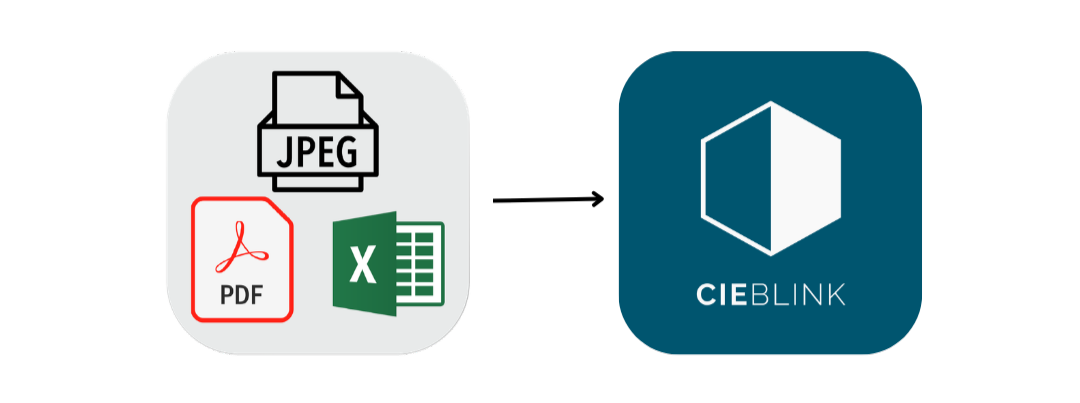
In this session, we’ll show you the complete workflow: import your files and watch as Cieblink AI automatically sorts and prepares them for creating purchase orders or price inquiries. No manual entry, no errors, just a faster, simpler process.
Who should attend: Business owners, purchasing teams, production managers, or anyone looking to save time and make purchasing more efficient.