

Buying on Cieblink
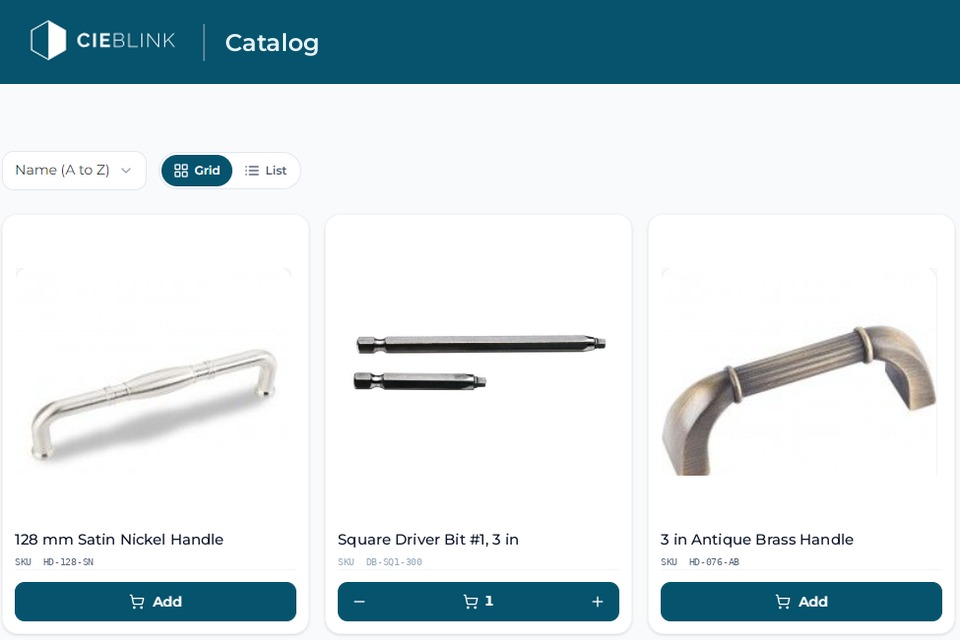
Shop like an online store
Browse by category, add to cart and send your purchase order in a few clicks.
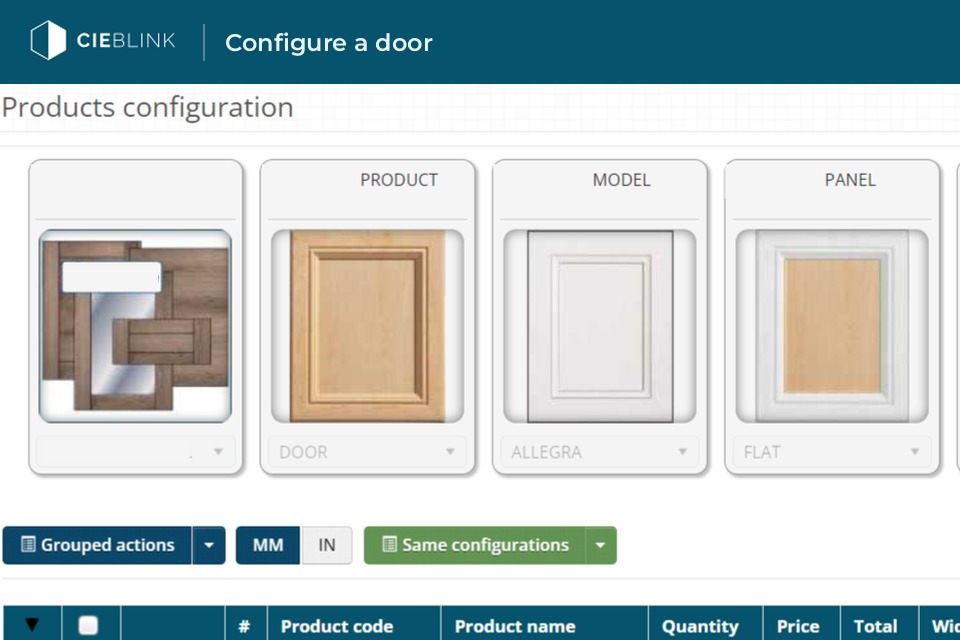
Configure your doors
Choose the model and the finish, and see your door before you buy it.
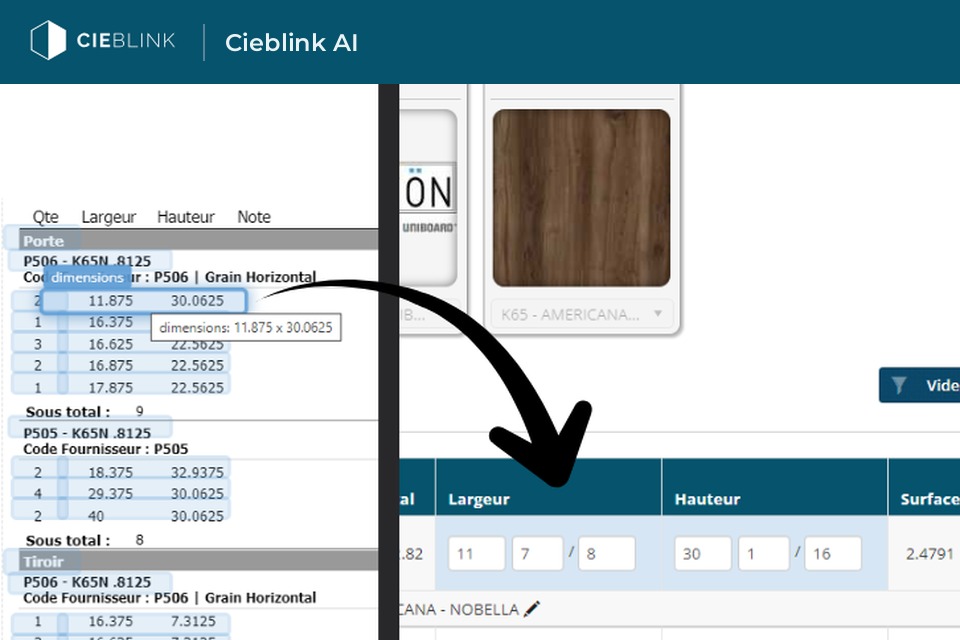
Let Cieblink AI do the typing
Send a list, a PDF or a photo. Cieblink AI turns it into a purchase order.
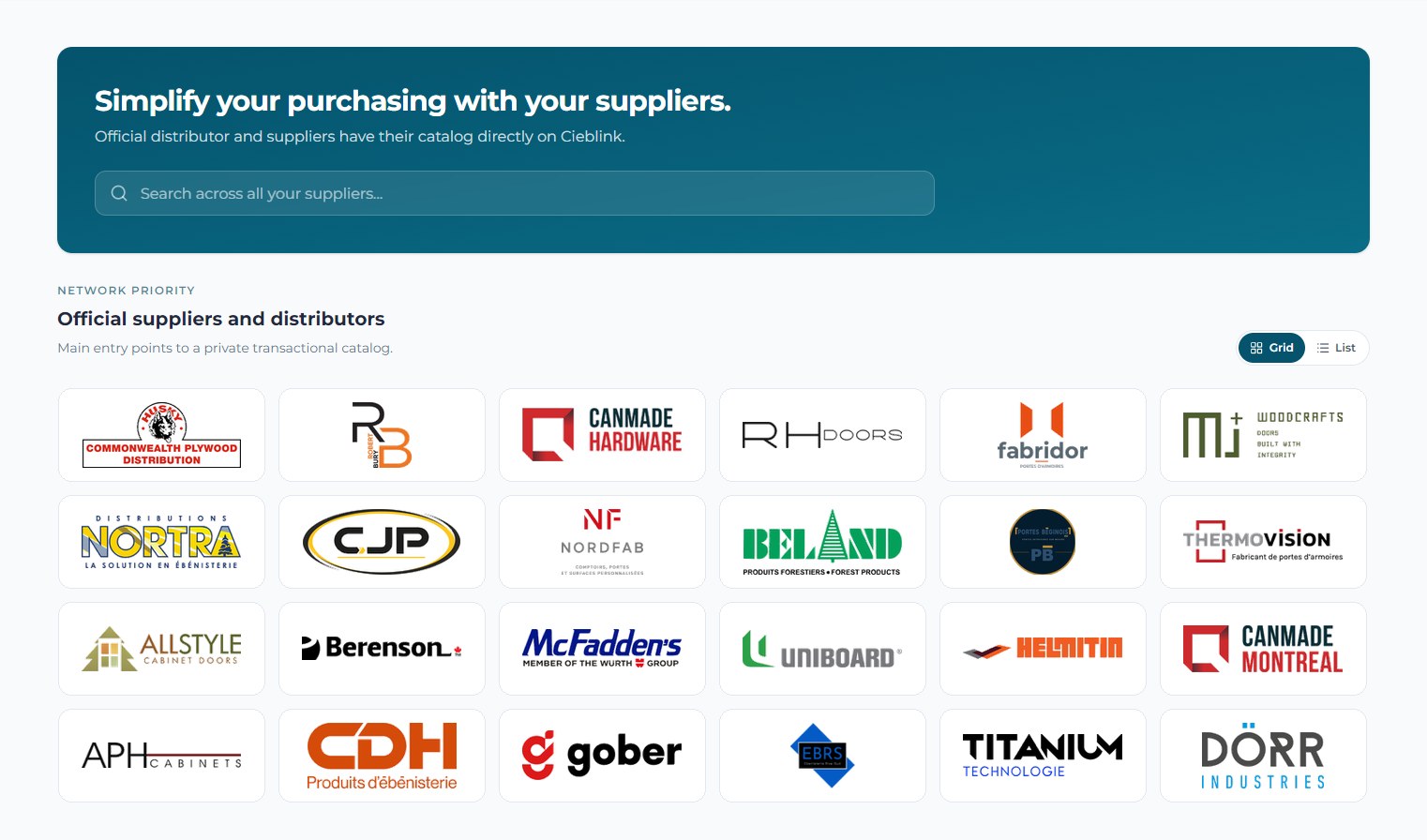
Our 26 official suppliers
Their catalogs are on Cieblink, and buying from them is free.


























Don’t see yours? With the Premium plan, you can add your other suppliers too. See who is on Cieblink in your region
For companies with several buyers or branches.
- See every buyer’s purchases
- Track purchases by branch
- Give each buyer their own access
To manage all your purchasing in Cieblink.
- Add suppliers that are not on Cieblink
- Enter their products once, reuse them
- Connect your systems with APIs
Prices billed annually. Compare plans →
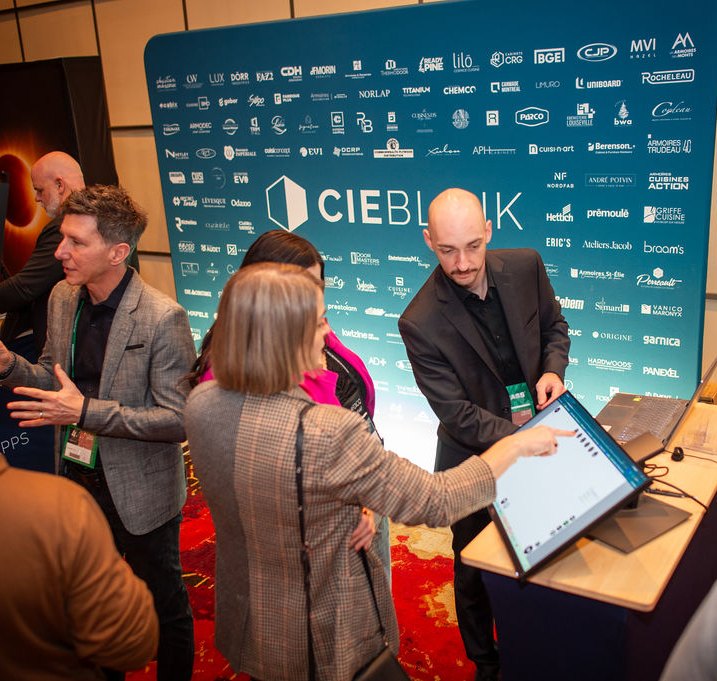
“A full day of work, cut down to 5 minutes. We buy 30 doors in just a few minutes.”
Patrick Blais · CuisiAscot
Read the case study →Questions?
The essentials about buying on Cieblink. Can’t find your answer? Our team is happy to help.
What is Cieblink?
Cieblink is a free platform where woodworking and wood products manufacturers buy from their suppliers online.
The catalogs of 26 official suppliers and distributors are in one place. You browse by category, add products to your cart and send a complete purchase order, then track every purchase on your dashboard. Cieblink is made by Cienapps Software and has connected buyers and suppliers since 2015.
Is Cieblink free to use?
Yes. Buying from Cieblink’s official suppliers is free, and it stays free, because the suppliers cover the cost of the platform.
Optional paid plans add features for growing teams, such as seeing the purchases of all your buyers or adding suppliers that are not on Cieblink. See all plans on the pricing page.
Which suppliers can I buy from on Cieblink?
You can buy from 26 official suppliers and distributors on Cieblink, including Commonwealth Plywood Distribution, Canmade Hardware, Blum Canada, Hettich, Uniboard and Robert Bury, for hardware, panels, doors and more.
Official suppliers are currently in Canada and the United States. The full list is on the partners page, sorted by region.
How do I buy from my supplier online?
Create a free Cieblink account, find your supplier in the Network and open their catalog.
Add the products you need to your cart and send your purchase order. Your supplier receives it with the right product codes and confirms it on Cieblink, and you receive an email at each step. If your supplier already has you as a customer, you see your negotiated prices.
What is the Cieblink Network?
The Cieblink Network brings together the official suppliers and distributors of the woodworking industry on Cieblink.
Each supplier publishes and updates its own catalog, so you can search across all of them, compare their products and buy from them in one place.
Can I turn a cut list or a PDF into a purchase order?
Yes. Cieblink AI reads a list, a PDF or even a photo of a handwritten note and turns it into a structured purchase order.
You check the lines, adjust them if needed and send the purchase order to your supplier, without typing every product and dimension by hand.
How do I add my existing suppliers to Cieblink?
If your supplier is one of Cieblink’s official suppliers, find them in the Network and start buying from their catalog right away.
If they are not on Cieblink yet, the Premium plan lets you add them with their email and enter the products you buy from them once, so all your purchases stay in one place.