
Learn How to Use Cieblink
Welcome to Cieblink Tutorials. This is where you learn how to get started, work faster, and get the most out of the platform.
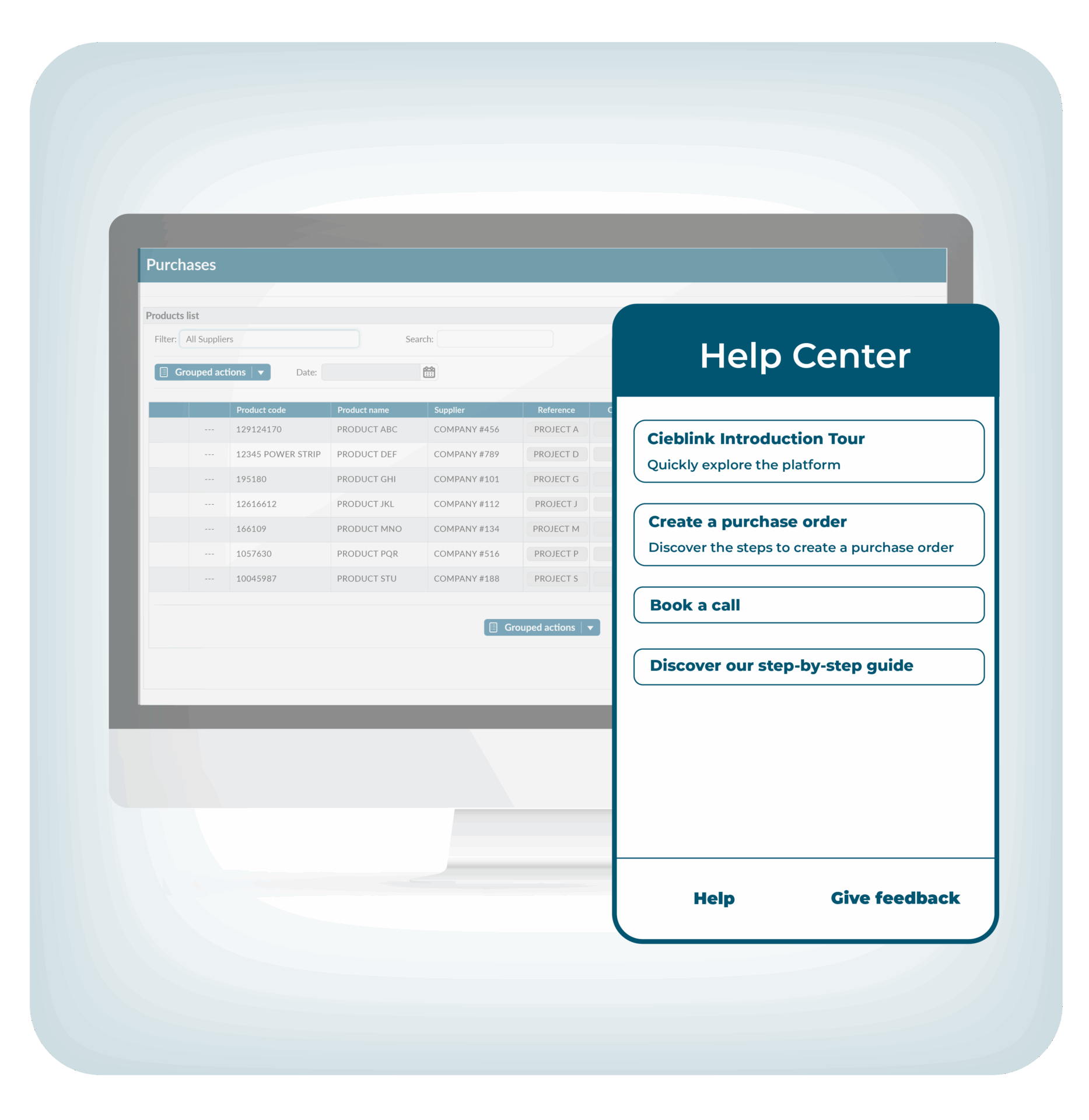
Cieblink Purchases
A quick introduction to how Cieblink centralizes your supplier network and every purchase order, all in one platform.
Step 1 - Connect with your suppliers
Add Your Suppliers
Learn how to add suppliers to your Cieblink account in seconds. Search, add, and connect.
Step 2 - Plan my purchases
Add Products You Need
Learn how to easily add products from your suppliers and keep them in one place for faster, easier purchasing.
Use Your Wishlist
Learn how to add products from your suppliers to your wishlist on Cieblink.
Use the Cieblink Cart
Learn how to use the Cieblink Cart to simplify and centralize your purchasing process.
QR Code
Learn how to use the QR Code functionality in Cieblink to make warehouse management easier.
Step 3 - Place purchases / Request prices
Create a Purchase Order
See how to generate a clean, structured purchase order in just a few clicks.
Choose your supplier, add details and send
Create a Price Inquiry
Learn how to create a structured price inquiry to quickly receive accurate pricing.
Step 4 - Receive the confirmation from your supplier

Cieblink Sales
Discover how suppliers use Cieblink Sales to centralize every customer request, no matter the format
Tutorial - Manage your orders
Receiving a Purchase Order
Learn how to manage all incoming orders in Cieblink.
Cieblink PIM
PIM Introduction
Discover Cieblink PIM, the solution that centralizes all your product information to boost efficiency.
Still have questions?
Contact us now and we will explain Cieblink in more details