
Canmade Hardware: A Trusted Partner in the Cieblink Network
As a leading supplier for cabinet shops, Canmade Hardware provides a wide selection of products. Our Partnership brings their catalog, pricing, and purchasing workflows directly into Cieblink.

A Simpler Way to Buy from Canmade Hardware
Access Canmade’s Full Catalog
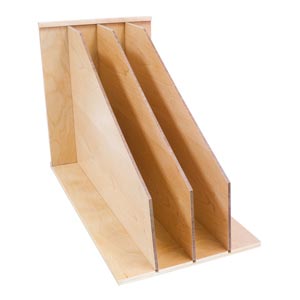
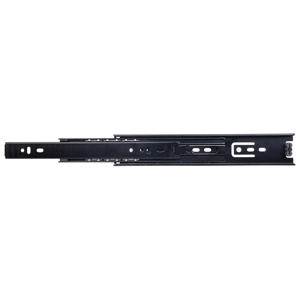
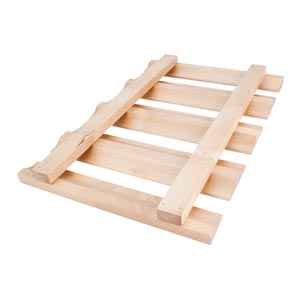
Access Canmade’s full catalog instantly, with more than 20,000 products available. Your special rates are automatically saved in the platform.
Ready-to-Send Orders
Generate purchase orders with accurate prices instantly. Eliminate back-and-forth emails, Canmade receives and approves your order without delays.
AI-Powered Purchases
Scan documents or upload any files, and Cieblink will read them to create purchase orders with the correct prices automatically.


Hear from the Owner of Canmade Hardware
Discover how Canmade Hardware became a trusted Gold Partner of Cieblink. In this short video, the owner shares insights on their approach to supporting cabinet shops, simplifying purchasing, and collaborating with Cieblink to make orders faster and more accurate.
I’m happy to share that more than 20,000 of our products are now fully available in Cieblink. We made this decision because we listened to our customers, and we want ordering from Canmade to be simple, accurate, and efficient.
By putting our full catalog directly into Cieblink, you get faster access to the products you need, fewer mistakes, and a smoother workflow from quoting to purchasing. Our goal is to give you a tool that saves time, reduces back-and-forth, and makes life easier for everyone involved in a project.
Videos to Get You Started
How to add Canmade as a supplier
Start by adding Canmade as a supplier into your Cieblink account to send them purchase orders.
How to add Canmade Hardware products
Learn how to quickly add Canmade Hardware’s products to your Cieblink account.
How to Send a Purchase Order to Canmade
Discover how to create and send accurate purchase orders to Canmade directly from Cieblink.
Upload a Picture in Cieblink AI
Learn how to upload a picture into Cieblink AI and automatically create a ready-to-send purchase order for Canmade.
Upload an Excel in Cieblink AI
Learn how to upload an Excel file into Cieblink AI and automatically create a ready-to-send purchase order for Canmade.
Our webinar with Canmade Hardware
Get an inside look at how Canmade Hardware and Cieblink work together to simplify ordering, save time, and reduce errors. These slides summarize our partnership, key features, and best practices.
Still have questions?
Contact us now and we will explain Cieblink in more details